Body
Starting September 15, 2023, Microsoft will be making changes to improve your sign-in experience by prompting you to set up the Authenticator app
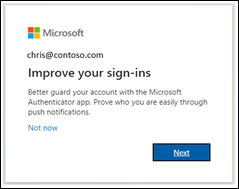
Clicking "not now" will not make any changes. However, if you want to switch to the authenticator app you can follow the on-screen prompts to download and configure the Microsoft Authenticator App for your account. You can follow the steps below to setup the Microsoft Authenticator App on your phone.
-
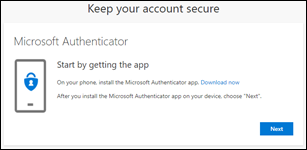
First download the app.
-
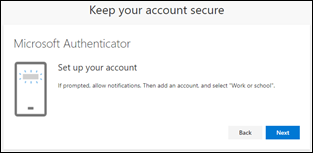
See how to set up the Authenticator app.
-
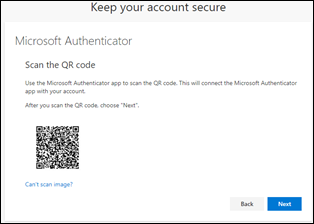
Scan the QR Code.
-
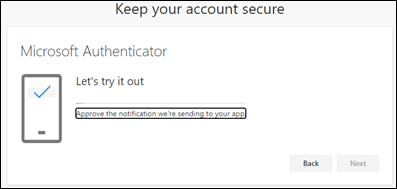
Approve the test notification.
-
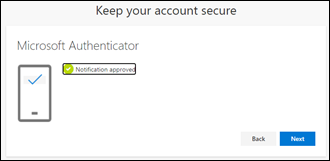
Notification approved.
-
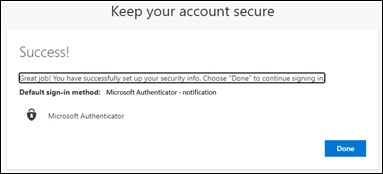
Authenticator app is now successfully set up as the user's default sign-in method.